You Can Build Your Own PC
I have built a number of PC’s from parts you can obtain from retail electronics stores like Fry’s Electronics (now defunct), local computer stores, or by mail order. There are many web sites and YouTube videos that will teach you what parts and components you will need. The following are the most basic parts you will require.
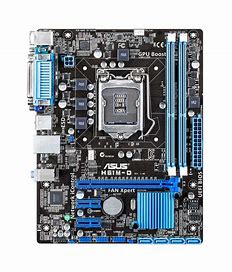
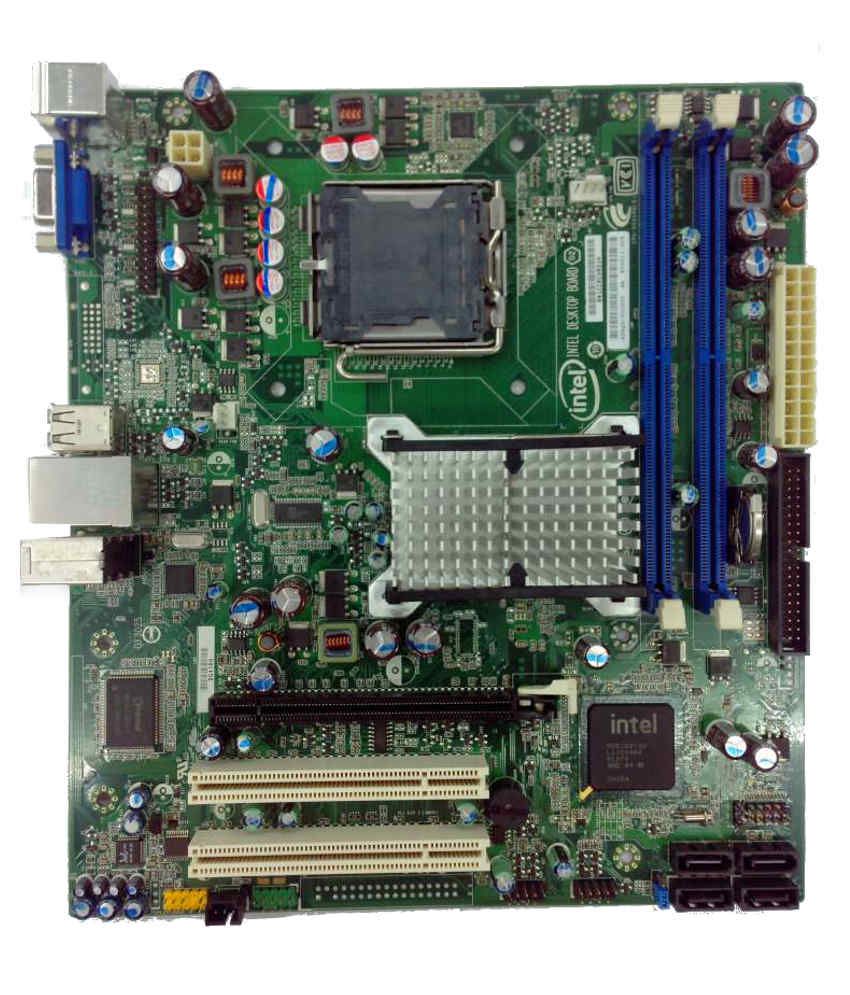
- Motherboard The type and size of your motherboard will determine the next part you will need (the case). The ATX size motherboard is the way to go. Your motherboard will hold many of the other components below as well as logic and power cabamong les.
- Case and Power Supply Purchase a case of the correct size and type to hold your motherboard and a power supply of adequate wattage (at least 500 watts). Most people today are using the ATX style case. Don’t go too cheap, purchase quality with good cooling fans.
- CPU/Processor You will need a processor, the brains of your computer. Intel and AMD are among the most popular manufacturers. Get one somewhere in the middle of the price range unless you are a serious gamer or are going to do some heavy computing. Most people will not require the most powerful i.e. expensive CPU (Central Processing Unit) on the market. Many processors come with a cooling fan on top of it. Be very careful of static electricity when touching your expensive CPU. I always grab something metal, that is grounded, to discharge any static electricity from my body and clothing, before handling an expensive electronic component like a (CPU). Static electricity can destroy sensitive electronics. It is a good idea to purchase an inexpensive ground strap that attaches to your wrist and to a grounded metal chassis.
- RAM Random access memory is required and must be the type that is supported by your motherboard. The instructions that came with your motherboard will tell you what type of RAM to purchase. RAM comes an many sizes (gigabytes) and clock speeds. Check the information that came with your motherboard to get the correct one. The cards the RAM is built on has different sizes and notches to make it difficult to put the incorrect card into your motherboard. For most people, 16 GB of RAM is adequate, but more is always better.
- Graphics Board A graphics board to drive your display may or may not be required. Some motherboards have a graphics chip on them, or some CPUs have graphics support. For some, this may be adequate. Most people opt for a faster, higher resolution external graphics board that plugs into the motherboard. Be sure to check for compatibility with your motherboard. AMD and Nvidia are the big names here.
- HDD/SSD A hard disk drive or a solid-state drive will be required to store the operating system, your applications, and data files. Be sure to have a backup-plan to back-up your system files, photos, music, and documents, to another source as you use your PC. High quality DVDs are OK. Cloud storage is even better. Once you see an SSD in action; how much faster a solid-state drive is than a mechanical rotating hard drive, you will be amazed how quickly Windows will boot up. I will never purchase another HDD after buying a computer with an SSD (solid state) drive.
- DVD Drive You may need a DVD drive for downloading software and backing up data from your HDD or SSD. Get one that can read and write to a CD and a DVD. DVDs have much more capacity than CDs. Some drives have faster transfer rates than others. Check them out.
- Windows or Linux Last, you will need an operating system or OS to run on your new computer. There are a number of choices. I suggested two of the most popular ones. Most people will probably choose Microsoft Windows for their first PC. A big factor in choosing an OS will be the applications (apps) you intend to run on your computer. Some apps may not run on the every OS. Be certain any special apps you may want to run will run on your OS.
After you have obtained your parts for your new PC, it’s time to assemble them into a computer. You will need a few basic hand tools, mostly a couple of different sizes of screwdrivers and probably a pair of pliers. It is not difficult to determine how to mount your motherboard and plug in the power supply wires, data cables, and other components. Be careful to follow the instructions that came with your parts and components. Use the standoffs on the motherboard to prevent it from shorting to the case ( I have seen this done when I’ve been called to help someone out). Do not power up your PC until you have thoroughly re-checked all of your work. Your first home built PC will require at least a of day of work to get everything working properly. You will learn a lot of new things about PC’s. You will get down into areas like the BIOS and parts of the OS you may have never been before. When your new PC is up and running, you can tell all of your friends what you accomplished. Now, you are the expert!
Latest Posts
Follow Me
Get new content delivered directly to your inbox.
 SLO-ELECTRONICS